
Getting Started
pixzle provides tools for image fragmentation and restoration.
WARNING
This project does not guarantee strong security. Use it as an image transformation utility, not as encryption.
Requirements
- Node.js 20 or later
Packages
| Platform | Package | Shuffle | Restore |
|---|---|---|---|
| CLI | @pixzle/cli | Yes | Yes |
| Node.js | @pixzle/node | Yes | Yes |
| Browser | @pixzle/browser | - | Yes |
| React | @pixzle/react | - | Yes |
Quick Start
Install the CLI globally:
bash
npm install -g @pixzle/cliShuffle an image:
bash
pixzle shuffle input.png -o ./outputRestore the generated fragments with the manifest:
bash
pixzle restore ./output/*.png -m ./output/manifest.json -o ./restoredOutput Example
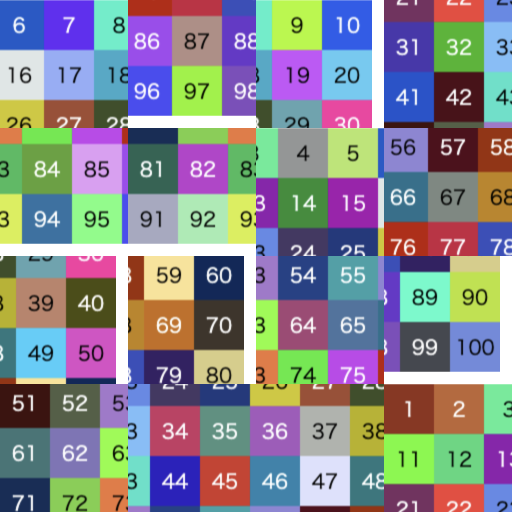
| Fragmented | Restored |
|---|---|
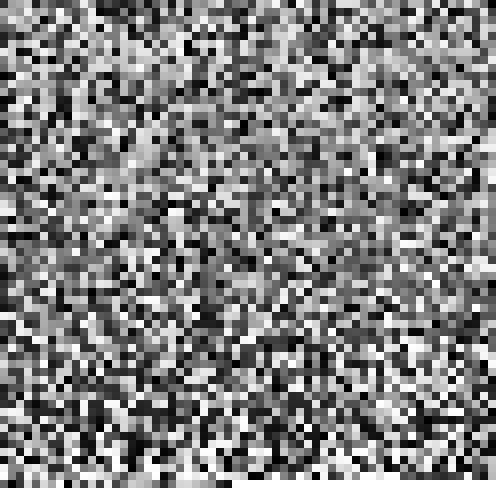 |  |
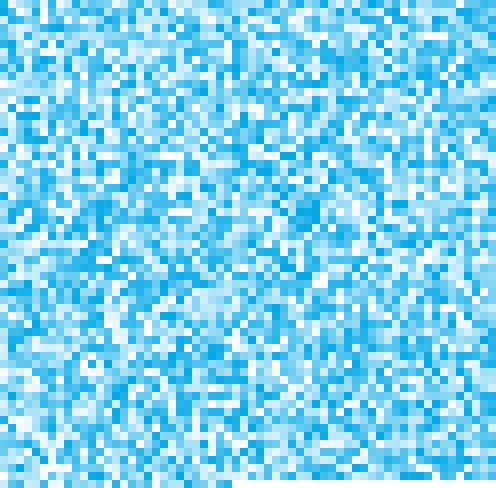 |  |
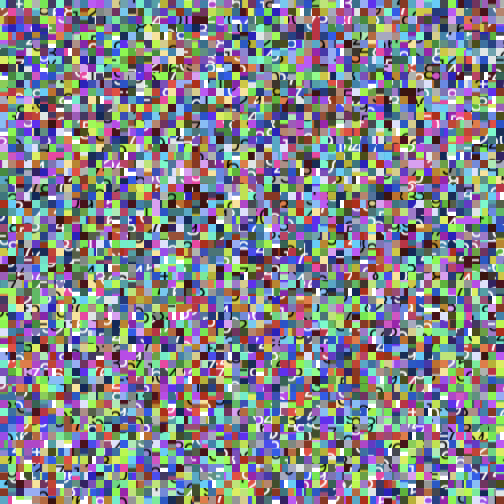 | 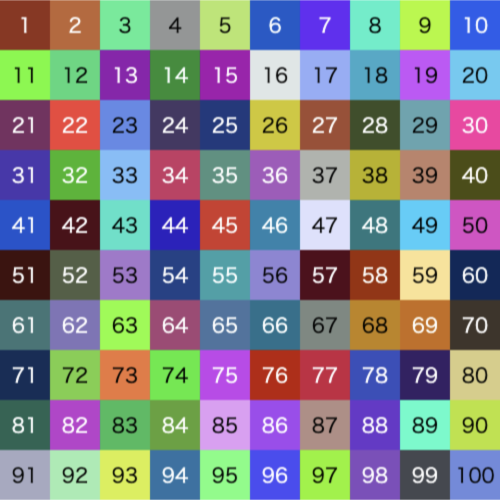 |
Block Size
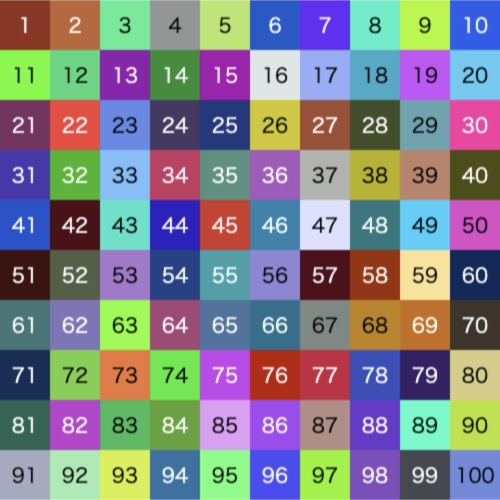
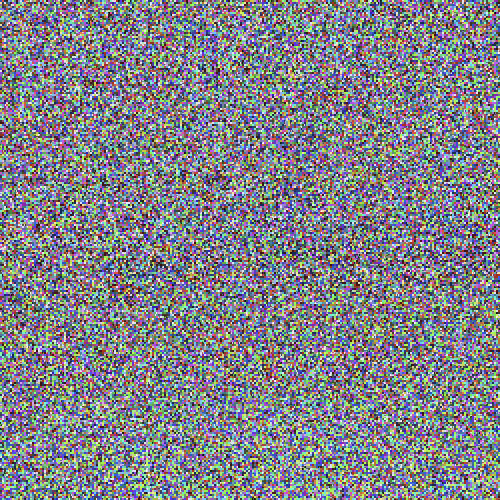
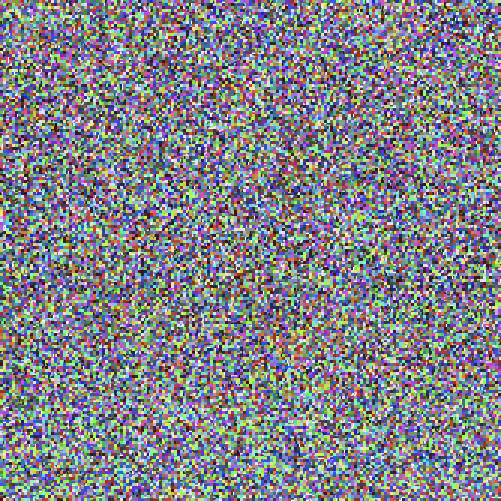
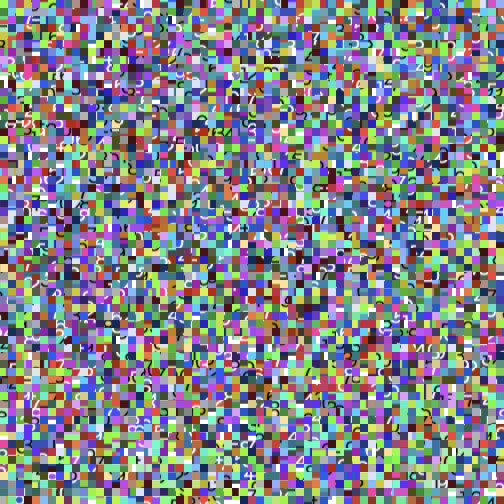
You can change the block size with -b or --block-size <number>.
| input | blockSize: 1 | blockSize: 2 | blockSize: 3 | blockSize: 4 |
|---|---|---|---|---|
 |  |  |  |  |
| blockSize: 8 default | blockSize: 16 | blockSize: 32 | blockSize: 50 | blockSize: 128 |
|---|---|---|---|---|
 | 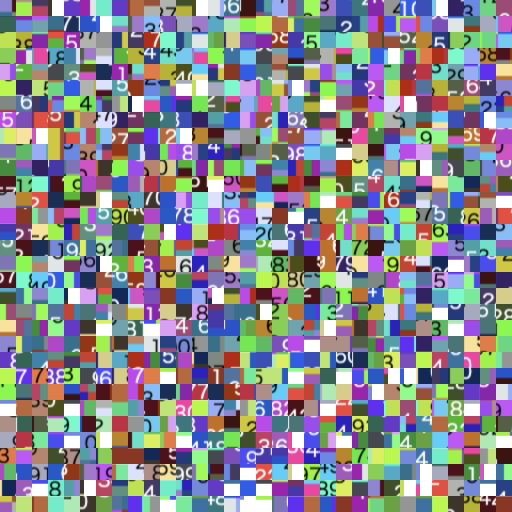 | 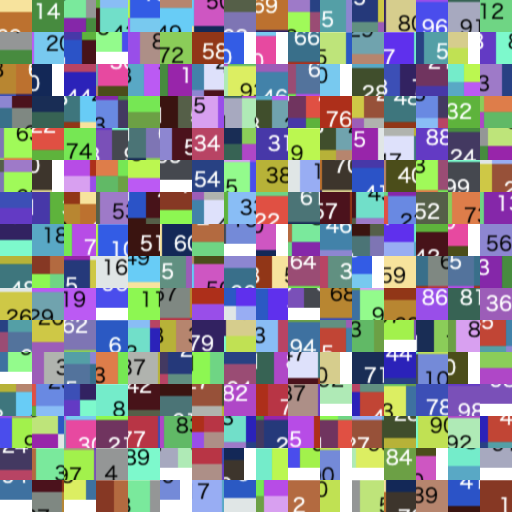 | 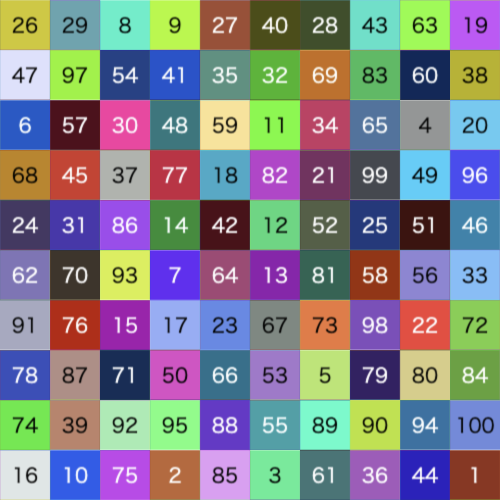 |  |
WARNING
Small block sizes and large image sets can increase memory usage.